01 / 08 Planning

Boords: storyboards, animatics and sign-off
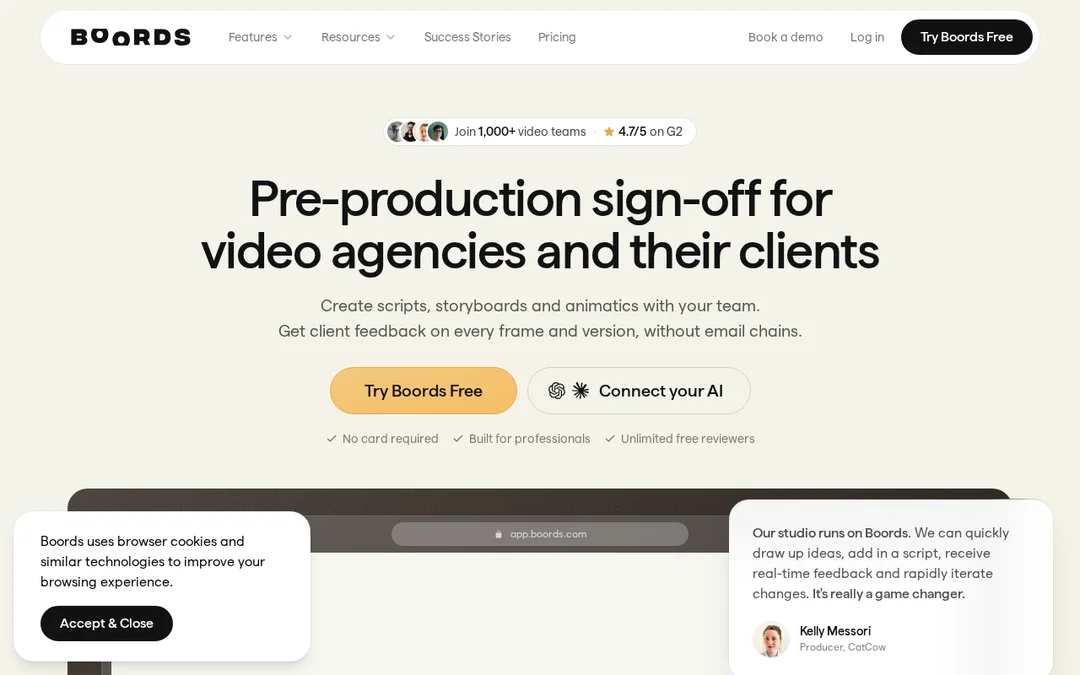
Scripts, storyboards and animatics, with feedback from one link.

Reach for it when
- Someone else has to approve the frames before the shoot
- You want an animatic cut to the song to test the timing
- You want to export that animatic into Premiere, Resolve or After Effects
Think twice when
- You only need a list of shots, not pictures of them
- You need call sheets and schedules as well
- A $39 monthly plan is more than the whole video budget
Screenshots
Features
- Scripts
- Storyboards
- Generated frames from saved characters and locations
- Animatics with voiceover
- Shot lists
- Comments without sign-up
How it fits a music video
A storyboard is how you sell the idea to the people who can say no. Boords is built around that moment: scripts, storyboards and animatics in one place, and a single link where a client comments on individual frames without making an account.
The animatic trick
Time the storyboard to the song before you shoot. Boords turns a board into an animatic with voiceover; for a music video, lay it against the track in your editor (it exports to Premiere, Resolve and After Effects) and watch where the chorus lands. If the big image arrives two bars late on paper, it will arrive two bars late on the day.
Plans
Free with no card: 5 active storyboards, 3 active scripts and 8 sample AI image credits. Solo is $39 a month with 250 AI images. Pro is $75 for up to 5 users, Team $125, Agency $250. Yearly billing saves 33%.
When to use something else
For the whole shoot day (schedule, call sheet), StudioBinder. For loose reference gathering before frames exist, Milanote.
Frequently asked questions
Can I make an animatic of a music video in Boords?
Yes. Boords turns a storyboard into a timed animatic with voiceover, which you can export to Premiere, Resolve or After Effects to lay against the track.
Does Boords have a free plan?
Yes, with no card: 5 active storyboards, 3 active scripts and 8 sample AI image credits.