02 / 08 Edit and colour
DaVinci Resolve: cut and grade it for free
Editing, colour, visual effects and audio in one app. Free, with a paid Studio version.

Reach for it when
- You shot footage and need to cut it to the song
- The treatment has a colour look you need to build: bleach bypass, tungsten night, faded Super 8
- You want effects and audio in the same app
Think twice when
- You need 10-bit footage up to 120 fps, or beyond 4K, which needs Studio
- You want masking tools such as magic mask, which are in Studio
- You only have a phone and want to edit on it
Screenshots
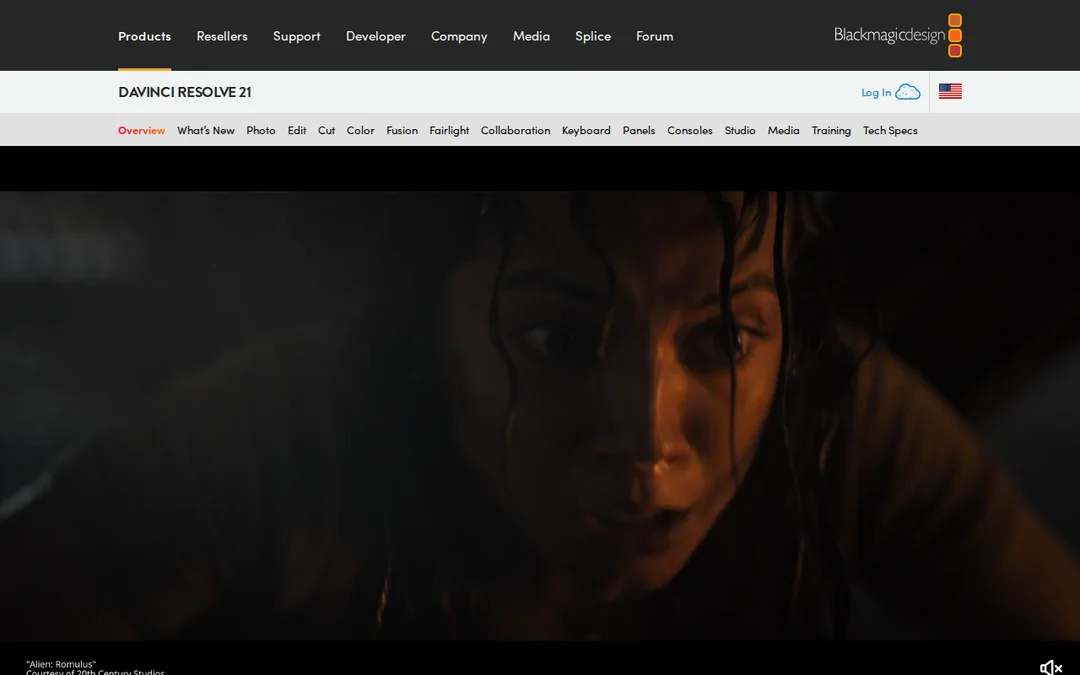
Features
- Edit
- Colour correction and grading
- Fusion visual effects
- Fairlight audio
- HDR grading
- Multi-user collaboration
How it fits a music video
This is where a music video becomes a music video. You cut to the bar on the Edit page, build the look on the Colour page, add a light leak or a frame-rate trick in Fusion, and tidy the audio in Fairlight, all without leaving the app.
Free or Studio
The free version handles most 8-bit formats up to 60 fps at Ultra HD 3840 x 2160, with HDR grading and multi-user collaboration. Studio, at $236 (listed down from $295), adds the DaVinci AI Neural Engine, more Resolve FX, text-based editing, magic mask, 10-bit footage up to 120 fps and resolutions beyond 4K. If you are cutting phone footage and generated clips for one release, the free version will do.
When to use something else
Resolve is a desktop app for Mac, Windows and Linux. Before the edit, plan the shots in StudioBinder or Boords.
Frequently asked questions
Is DaVinci Resolve really free?
Yes. The free version handles most 8-bit formats up to 60 fps at Ultra HD 3840 x 2160 and includes HDR grading. Studio costs $236 and adds AI tools, more effects and higher formats.
Can I colour grade a music video in DaVinci Resolve?
Yes. Colour grading is what Resolve is best known for, and the colour tools are in the free version.