Ideas by genre Ideas Some effort180 min
Ballad music video ideas: six that hold their nerve
Six slow-song music video concepts you can shoot in about three hours, with shot lengths, lenses, light and colour for each one.
 Frame the Song Editors 5 min read
Which ballad concept should you pick?
Pick the concept your location already supports and drop the other five. A ballad has room for one idea, and a second idea fights the first for the same four minutes. The six that work:
- One slow push-in for the whole song
- Rain on a window at night
- A single practical lamp
- An empty room that fills
- A oner, one unbroken take
- Black and white
A small room with a window suggests the rain or the lamp. A flat with a few connected rooms suggests the oner. If a friend can help you carry furniture for an hour, take the empty room. Make the choice in 15 minutes and do not reopen it.
How long should each shot hold?
Hold each shot for 8 to 15 seconds, which is longer than feels comfortable. A ballad gives the viewer time to read a face, and a cut every three seconds takes that time away. Count in bars. At 70 bpm in 4/4 a bar lasts about 3.4 seconds, so three or four bars gives you 10 to 14 seconds. Land every cut on the first beat of a bar.
A 3 minute 30 song is 210 seconds. At 12 seconds a shot that is about 17 shots, which is a small number and the right one. If a shot feels dead at 6 seconds, let something move inside the frame, such as a hand, a curtain or a breath, and leave the cut alone. Shoot at 25 fps, and use 50 fps only for slow-motion moments.
What do you need before you start?
You need a camera on a tripod, one warm lamp, a place you may film in and a singer who agrees to be filmed. Gather this before the shoot day:
- A camera or phone that records 4K at 25 fps, plus a tripod
- A 35mm and a 50mm equivalent lens, or the phone’s main and 2x cameras
- One lamp with a 2700K bulb, on a dimmer if you have one
- The final mix on a speaker for playback, so the singer performs to the real track
- DaVinci Resolve, which is free, for the cut and the grade
Only film in locations you own or have permission to use, and only with people who have said yes. That includes the friend who moves the furniture. This is not legal advice.
How do you shoot the push-in, the rain and the lamp?
Each of these three needs one lens and one light.
- Slow push-in. Shoot chest-up on a tripod with a 50mm in 4K. In a 1080p timeline, scale from 100% to 150% across the whole song. A slow push-in beats a gimbal orbit for a ballad, because an orbit draws the eye to the camera.
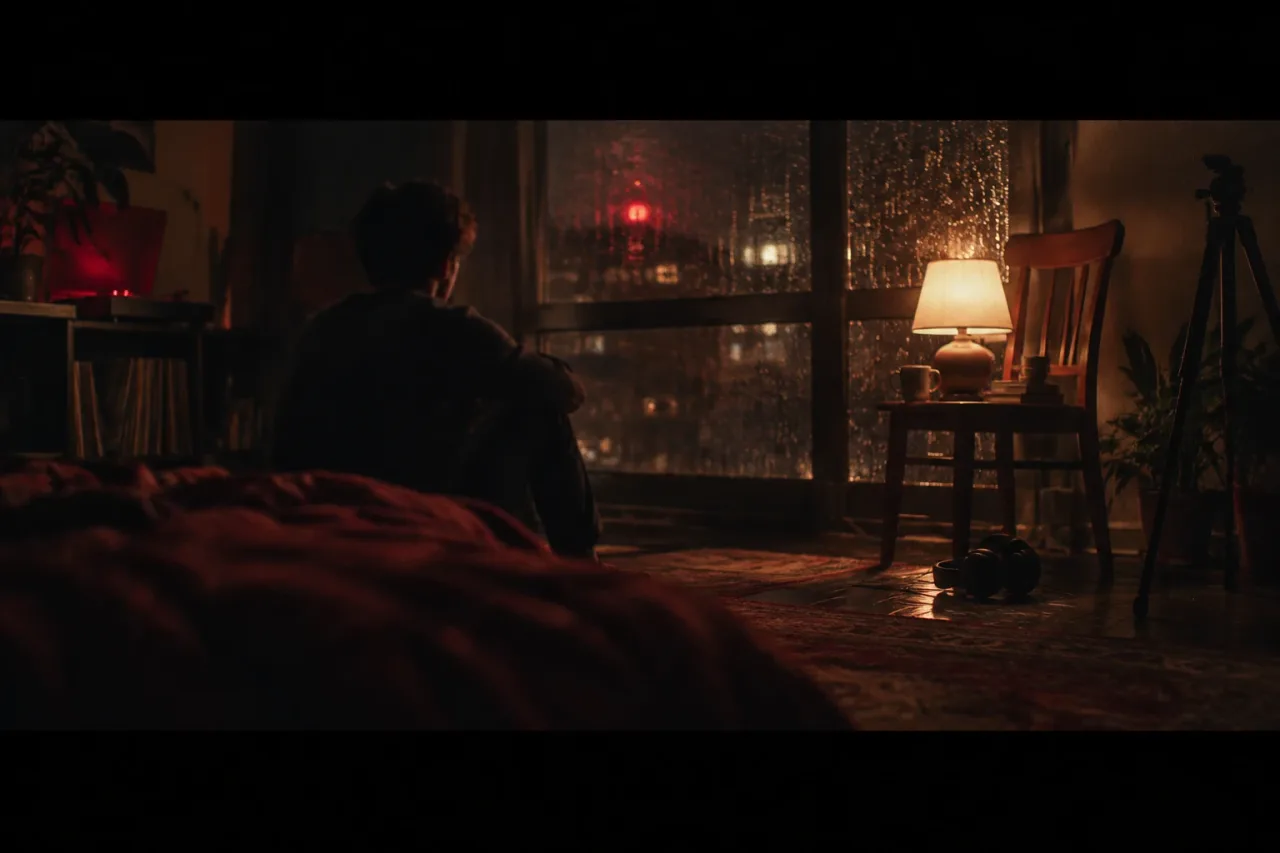
- Rain on a window. Film from inside on a 50mm, focused on the glass, with the singer soft 2 metres behind. Use real rain or a plant mister on a ground-floor window you have permission to use. Set white balance to 3200K so the night goes blue, and keep a 2700K lamp behind the singer.
- Practical lamp. Put the lamp in frame, 1.5 metres from the singer, as the only light (see practical light). Use a 35mm at about f/2, expose for the face and let the room fall to black.
How do you shoot the empty room, the oner and black and white?
Each one asks for a plan made before the camera rolls.
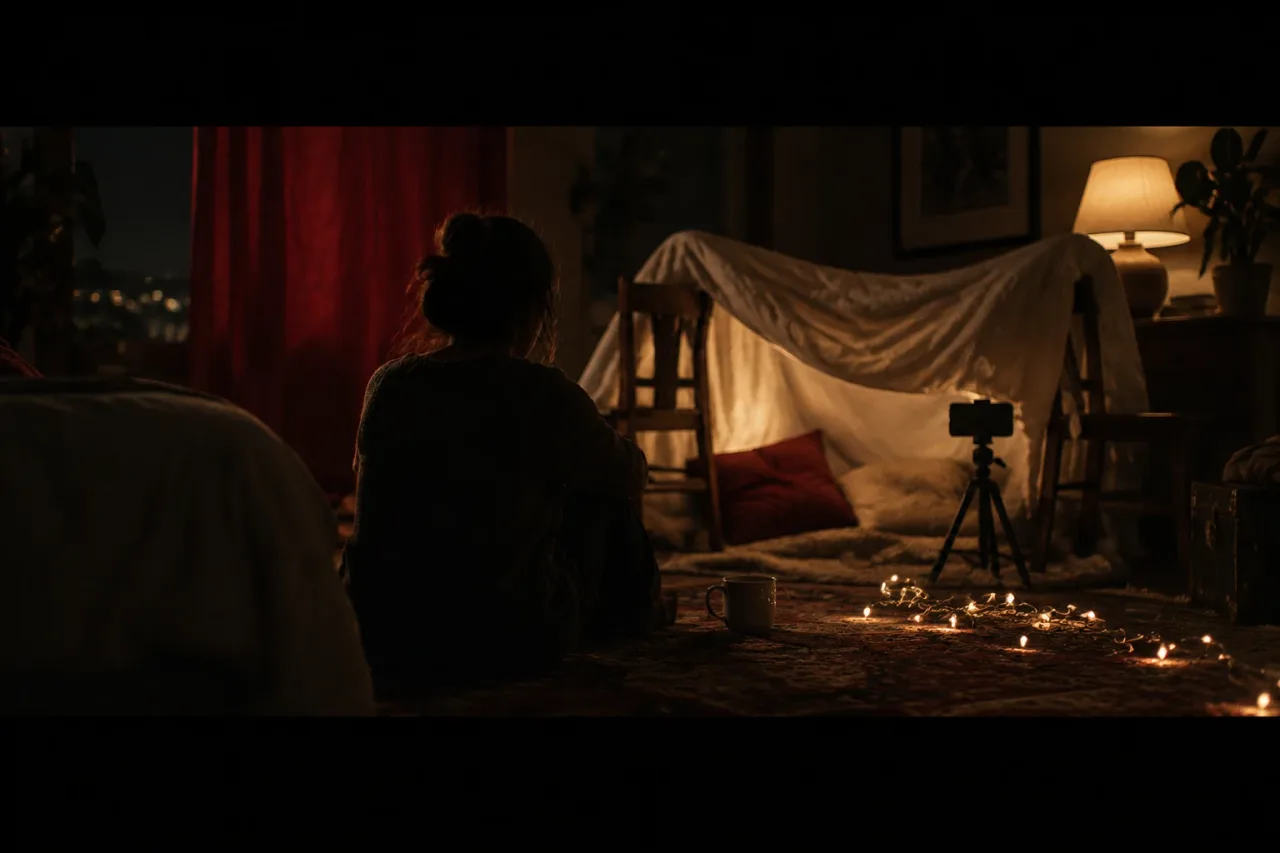
- Empty room that fills. Lock off a 24mm equivalent at chest height. Start on the bare room. Between verses, add one object: a chair, a coat, a second person who has agreed to appear. Shoot in song order, one take per section, so the room fills in the same order the song builds.
- Oner. A oner means the whole song in one take. Use one floor with no stairs, a 24mm lens and a slow walk. Rehearse five times and plan a 10 second hold in each room.
- Black and white. Shoot in colour, then drop the saturation to zero in Resolve and add contrast. Crop to 2.39:1 for a cinema frame. Keep faces at least a stop brighter than the background.
What is the order on the day?
Work in this order and the afternoon takes about 180 minutes.
- Choose the concept and write the shot count from the song length. 15 minutes.
- Set up the tripod, lamp and lens, and mark the singer’s position on the floor. 30 minutes.
- Shoot four full run-throughs to playback, with a 10 minute break after each for notes. 75 minutes.
- Cut to the bars, holding each shot 8 to 15 seconds, and cut on the first beat of a bar. 40 minutes.
- Grade, check the look on a second screen and export. 20 minutes.
Do the cut the same day. The take that felt best on set is often not the one that holds up on a timeline, and the memory of why you chose it fades quickly.
What goes wrong, and how do you make it easier next time?
The common failure is cutting too early, so check your shot lengths against the 8 to 15 second rule before you export. Two others follow close behind. The singer mouths the words quietly to playback, so ask for full voice, even in a small room. The lamp is too bright, so dim it until the shadows have shape.
If energy runs out after run-through three, stop and pick the best take. A fourth tired take rarely beats the third.
Next time, write the bar count beside each shot before you start. If you cannot get the singer in front of a camera, Muzie turns a photo of the singer into a lip-synced performance across the whole song. Learn more on the Muzie page.
Frequently asked questions
How many shots does a ballad music video need?
A 3 minute 30 song is 210 seconds. At 8 to 15 seconds a shot, that is 14 to 26 shots, and about 17 is a good target. Fewer, longer shots suit a slow song.
Can I shoot a ballad video on a phone?
Yes. Set it to 4K at 25 fps, put it on a tripod and use the main camera or 2x. Keep the light low and warm, and the footage will look deliberate.
What colour temperature should a lamp be for a ballad video?
A 2700K bulb gives a warm, amber glow. If you set the camera's white balance to 3200K, the lamp reads warm and the dark areas lean blue.
Do I need permission to film a music video at home or outdoors?
Only film in places you own or have permission to use, and only with people who agree to appear. Use music you own or have cleared. This is not legal advice.
Can Muzie make a ballad video from a photo?
Muzie makes full music videos lip-synced to the vocal from a photo of the singer. It also has a lip sync mode that makes one close-up performance shot.