
Oner
Also called: one-take, long take
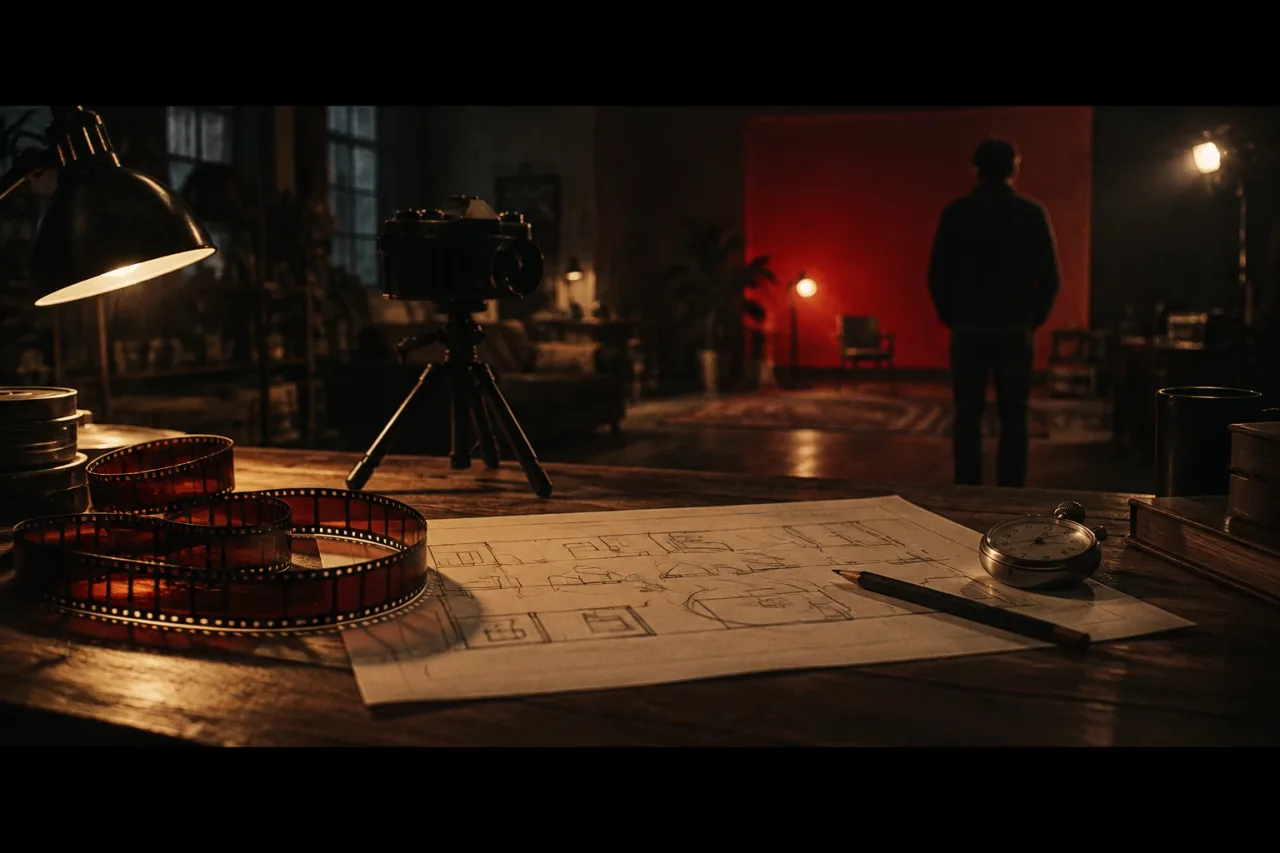
What a oner means
A oner is a shot that runs without a cut. In a music video it can be one scene or the whole song, from the first beat to the last. The camera keeps rolling while people, props and light change in front of it. A three-minute song means a take of 180 seconds, and every mistake in those 180 seconds goes into the final film.
Some videos hide a cut in a whip pan or a dark doorway so the film reads as one take. Viewers tend to count those as oners too.
What it looks like
Here are three versions you could shoot this month.
- A hallway walk. The camera backs down a corridor ahead of the singer, who mimes to playback. At each door the camera turns into a room with a different colour wall, and the shot holds on her for the full verse.
- A locked-off kitchen. One wide frame at 2.39:1, lit by a 3200K lamp, with a window at 5600K behind. Friends walk through with props on the beat while the singer stays at the table.
- A phone on a tripod. One 9:16 frame, and the room changes around the singer between lines as friends move the furniture.
What tends to help
Mark the route against the bars before you shoot. Write down which bar each turn, door or prop handover lands on. A route with twelve moves is easier to repeat than one with forty.
Rehearse the full take until it works three times in a row, then shoot eight to ten passes and pick the best. Lock your exposure and white balance so the picture does not jump when the camera moves between rooms. Put lamps along the whole path, not only at the start.
A shot list with one row per beat keeps everyone on the same page. StudioBinder can hold one, and the pre-production shelf covers other planning tools.
Film only in places you own or have permission to use, and only with people who have agreed to appear. Keep the route at walking pace and clear of hazards. Never plan the take around traffic, heights or water.