
Playback
Also called: Lip sync shooting, Miming to track, Shooting to playback
What playback means
Playback is playing the finished song on set while the artist performs to it. The artist mimes, or sings quietly, in time with the recording. Every take then matches the audio you will cut to, so a close-up filmed at noon and a wide shot filmed at four land on the same beat.
What it looks like on a shoot
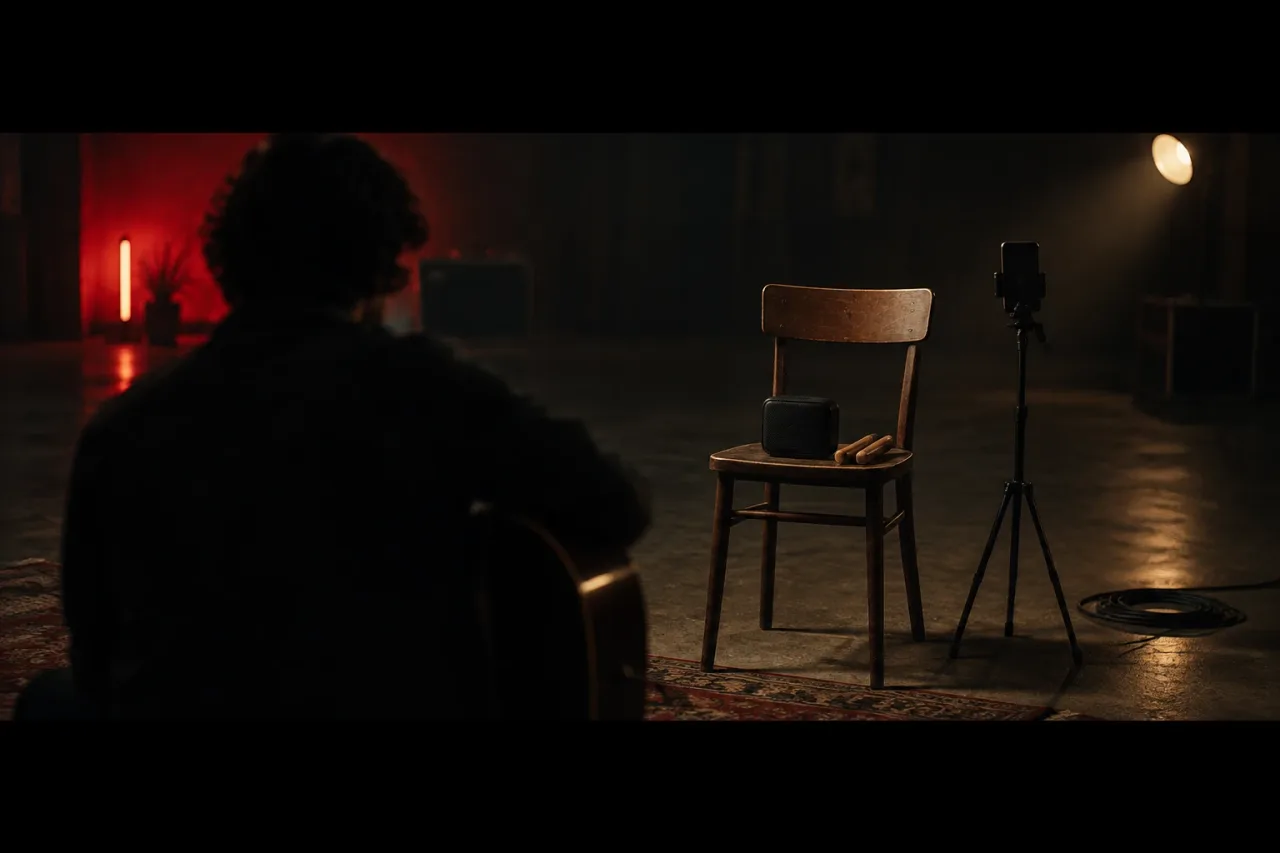
A bedroom shoot has a Bluetooth speaker on a chair, a phone on a tripod and the song starting a bar before the verse. The speaker is loud enough that the singer feels the kick drum.
A slow-motion take works differently. Shoot at 50 fps, play the track at double speed and have the artist mime at that pace. Conform the clip to 25 fps in the edit and it runs at half speed with the mouth still matched to the original vocal.
A walking shot down a corridor uses the same idea. The singer steps on the beat, and the footsteps in the cut fall where the snare falls.
What tends to help
Use a speaker rather than headphones, and leave the camera microphone on. It records the track as a guide, and your editor can match the picture to the real song by lining up the waveforms.
Give every take a marker at the start. Timecode on a slate is the tidy way. A hand clap in frame is the cheap way, and it shows as a sharp spike you can line up in an editor such as DaVinci Resolve. Call out the take number before the clap.
Count the singer in with two bars of the track before the section starts. Mark which bars each shot covers in your shot list, which is the kind of planning covered in the pre-production shelf.
Where the term comes from
The word describes the recording being played back on set. Film sets use it for any scene where performers move or sing to a track that already exists.