
Colour grade
Also called: Colour grading, The grade, The look
What it means in plain words
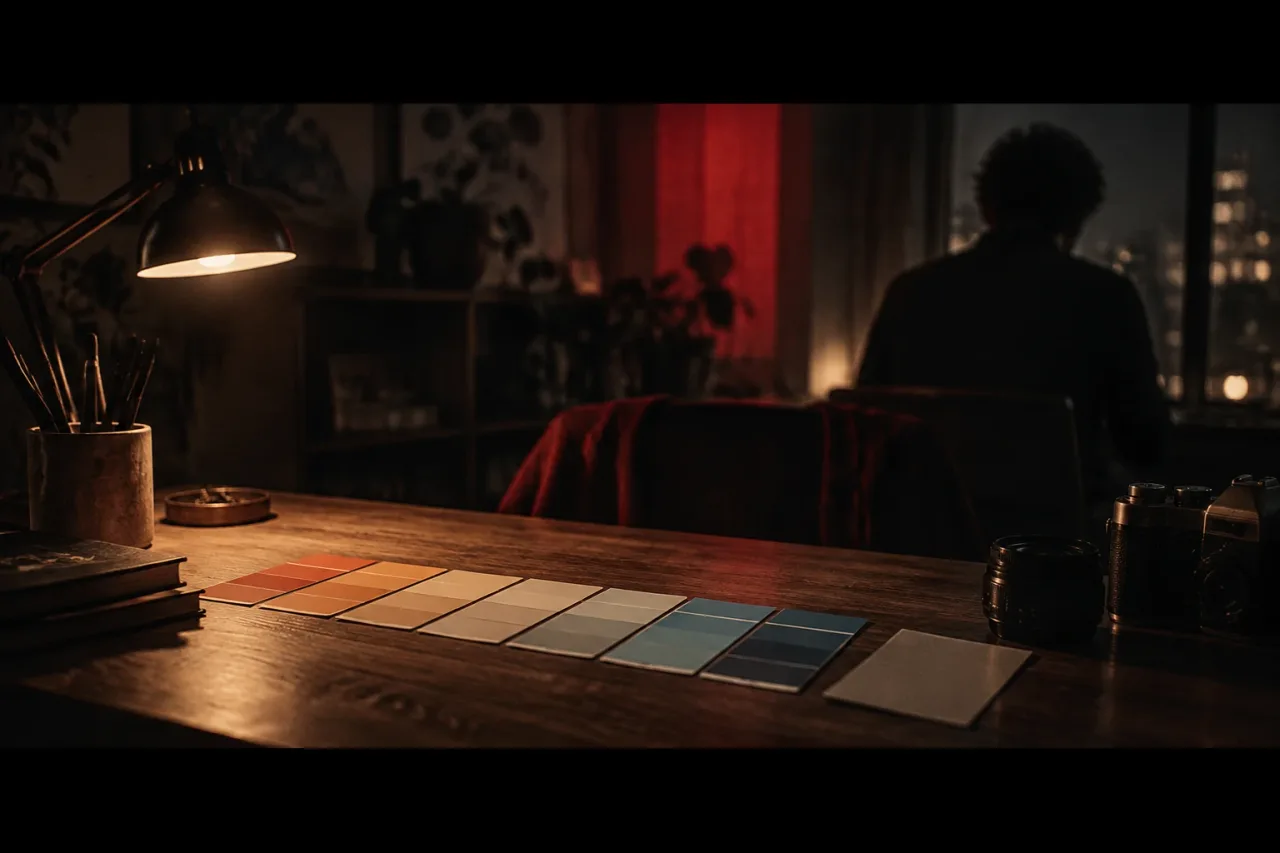
A colour grade is the pass you make in the edit to set the look of the picture. You change colour and contrast, shot by shot, until the whole video feels filmed on one day under one sky. It happens once the cut is locked.
Correction comes first. It fixes a shot that came out too green, or one that sits darker than the shot next to it. The grade comes second and picks the mood. Both happen in the same editing or grading software, often in the same sitting.
What it looks like in practice
Here are three grades you could build from your own footage.
- A ballad shot in a bedroom with one 3200K lamp. You push the shadows towards blue and keep skin warm, so the room glows against a cold window.
- A performance in a car park at midday, in 5600K daylight. You pull the highlights down and lift the blacks until they turn soft grey. The picture looks faded, like an old print.
- A grey street with one person in a red jacket. You drain the colour from everything else, so the jacket is the only strong colour in the frame.
In each case the grade is a decision about what the viewer looks at first and how the song should feel.
What tends to help
Match your shots to each other before you chase a look. If two cuts from the same scene differ in brightness, no style will hide it.
Pick the look before you shoot. Choose a wall colour, a bulb and a wardrobe that already lean the way you want, and the grade has less to fix. Keep to two main colours and let the rest sit near neutral.
Check the result on a phone as well as a monitor, because a 9:16 video is usually watched on one. Stay at a look that holds for the whole song. A heavy grade that suits the chorus can swamp a quiet verse.
DaVinci Resolve combines editing and colour correction in one app, and the free version handles most 8-bit formats up to 60 fps at Ultra HD. For a full kit that costs little, see a free kit for making a music video.