Briefing Craft Some effort40 min
How to brief an AI video tool like a director
Write one prompt per shot with eight fields and a repeating style line, so AI video clips look directed and cut together.
 Frame the Song Editors 4 min read
What is a directed brief?
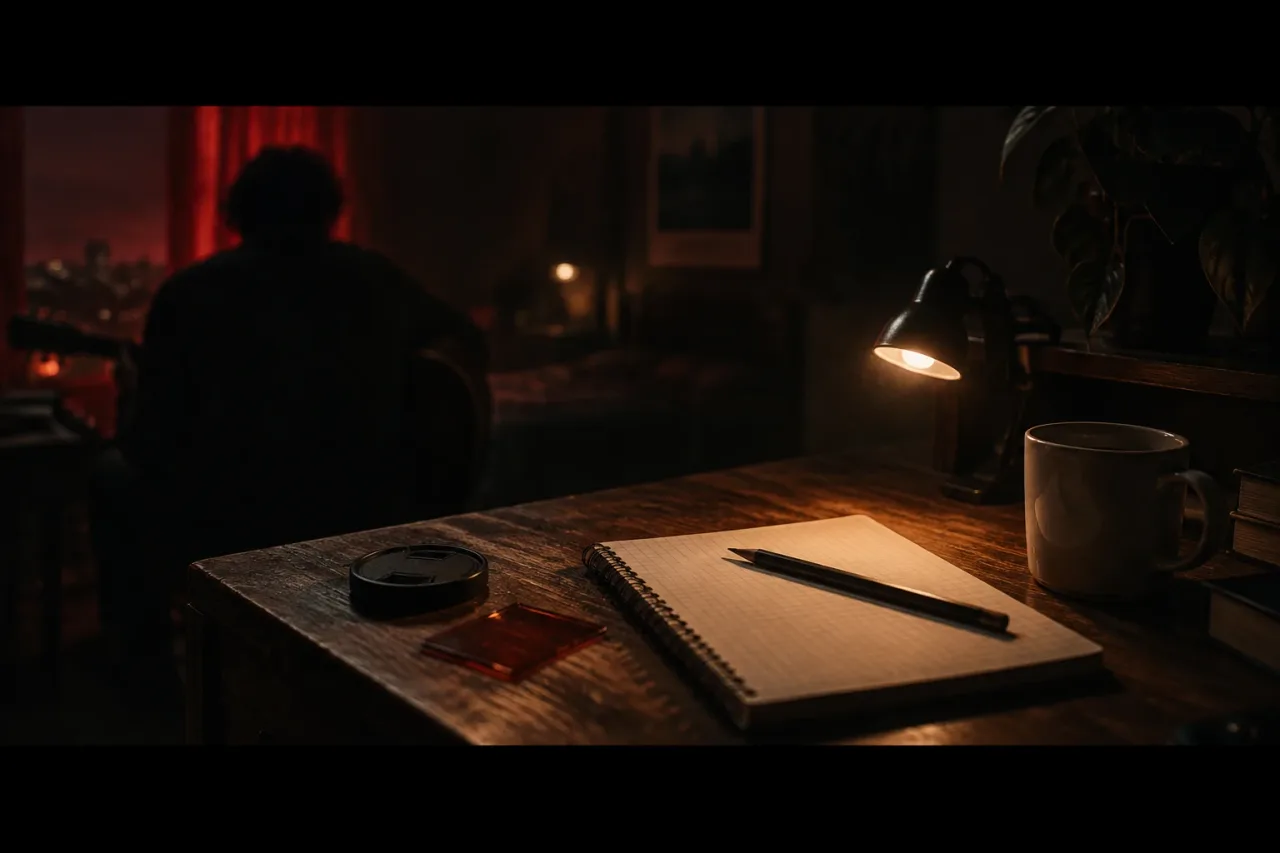
A directed brief is one shot per prompt with eight fields filled in: framing, lens feel, subject and action, light, colour palette, movement, duration and what to avoid. An AI tool fills every gap you leave with the most average choice, which is usually a centred subject, soft light and a slow drift of the camera. Each field you write closes one of those gaps. A prompt for a whole video asks the tool to make forty decisions at once. A prompt for one shot asks for eight, and you can check each one against the picture in your head. Think of it as the camera sheet a director hands a cinematographer.
What do you need before you start?
You need a song, a six-shot plan and about 40 minutes. Gather these first:
- The song, cut to the section you are briefing, such as the first chorus.
- A shot list of six shots, one line each.
- Two or three reference images or colour words, such as sodium orange and teal.
- Photos only of people who agreed to appear, and only songs and images you own or have permission to use.
You also need an editor to cut the clips together. DaVinci Resolve is free. Six shots is enough to test whether your style line holds. Add more once those six look like one video.
How do you write the brief?
Write the style line first, then one prompt per shot, in a fixed order. The writing pass takes about 40 minutes.
- Write the style line (10 minutes). One sentence for the whole look: film feel, frame rate, aspect ratio, grain, palette. For example: “35mm film look, 24 fps, 16:9, fine grain, muted teal shadows, amber highlights.”
- Write six shot prompts (about 5 minutes each), filling the eight fields in the same order every time.
- Paste the style line at the end of every prompt, word for word.
- Give each shot a tool, using the next section.
- Generate three takes of shot 1 only. Fix the brief, then run the other five.
- Cut the best takes to the song in your editor. Crop to 2.39:1 there if you want a letterbox look.
What does a directed brief look like next to a vague one?
A vague brief names a mood, and a directed brief names a picture you can check. The same shot, written twice.
Vague: “A sad singer on a night bus, cinematic.”
Directed: “Medium close-up, 50mm feel, shallow focus. A woman sits at a bus window and turns her head slowly to the left. Street lamps through the glass, sodium orange around 2000K, from camera right, deep shadow on the other side. Palette of amber, teal and black. Slow push-in. 4 seconds. Avoid extra passengers, text, warped hands and flicker. 35mm film look, 24 fps, 16:9, fine grain, muted teal shadows, amber highlights.”
The vague version leaves lens, light, movement and length to chance. The directed version can be judged: the lamp is on the right or it is not.
Which tool should make which shot?
Match the tool to the job in the shot list, not to the whole video.
- Inserts such as hands, a window or a street at night: Runway or Pika. Runway generates clips one shot at a time, so you cut them to the song in an editor.
- Visuals that pulse with the music: Neural Frames, which has audio-reactive effects.
- A singer performing the song from a photo: Muzie. It lip-syncs the photo to the vocal across a full song, and its lip sync mode makes one close-up performance shot.
The bus shot above is an insert, so it goes to Runway or Pika. For more on matching tools to shots, see AI tools for music video shots.
What do you do when a shot comes out wrong?
Change one field at a time and run three takes before you rewrite anything. If the light is wrong, edit only the light line. If the camera drifts, say “static camera, no movement”. Name the fault in the avoid field, such as “no warped hands”. If shot 4 still fails after three takes, drop it and cover the beat with a take from another shot. When your energy runs out, brief only the chorus. Three shots of 4 seconds each give 12 seconds, which is six bars at 120 bpm, and that is enough to prove the look before you commit to the rest.
Common mistakes, and an easier next time
Most mistakes are gaps in the brief.
- A mood word such as “moody” or “epic” where a light direction belongs.
- A style line reworded between shots, so the palette shifts.
- 10 seconds of action requested when the cut lands every 3.
- A photo of someone who has not agreed to appear.
For next time, keep the style line and the eight-field template in one note. Save each prompt that worked, with the song section it belonged to. A new video then needs new subject, action and light lines, and the rest is already written.
Frequently asked questions
How long should an AI video prompt be?
Long enough to fill eight fields, which is usually 50 to 80 words per shot plus the style line. Shorter leaves gaps the tool fills with average choices. Longer and the fields start to contradict each other.
Can I use one style line across different tools?
Yes. Paste it unchanged at the end of every prompt, whichever tool makes the shot. A shared palette, frame rate and grain help clips from different tools cut together, and a colour grade in your editor can pull them closer.
Do I need a shot list before I write prompts?
Yes, and six one-line shots is enough. It shows which shots are inserts, which are performance and which are audio-reactive, so you choose the right tool for each.
Can I use a photo of a friend as the singer?
Only if they agreed to appear in the video. Muzie turns an uploaded photo into a singer lip-synced to the vocal. Use only photos you own or have permission to use. This is not legal advice.
Should I brief the whole song in one prompt?
Only for the performance. Muzie builds a full music video from a photo and your song, and takes your own written visual direction. Inserts from Runway or Pika are briefed one shot at a time.