06 / 08 AI video

Pika: quick shots, swaps and extensions
AI video, image and audio studios, with swap, motion transfer and extend tools.

Reach for it when
- You want to test how a shot from the treatment might look before the shoot
- You have footage and want to swap an object or extend a clip
- You want no watermark, even while trying it
Think twice when
- You need a commercial licence on the free plan
- You want a full song cut for you
- You need a singer lip-synced across the track
Screenshots
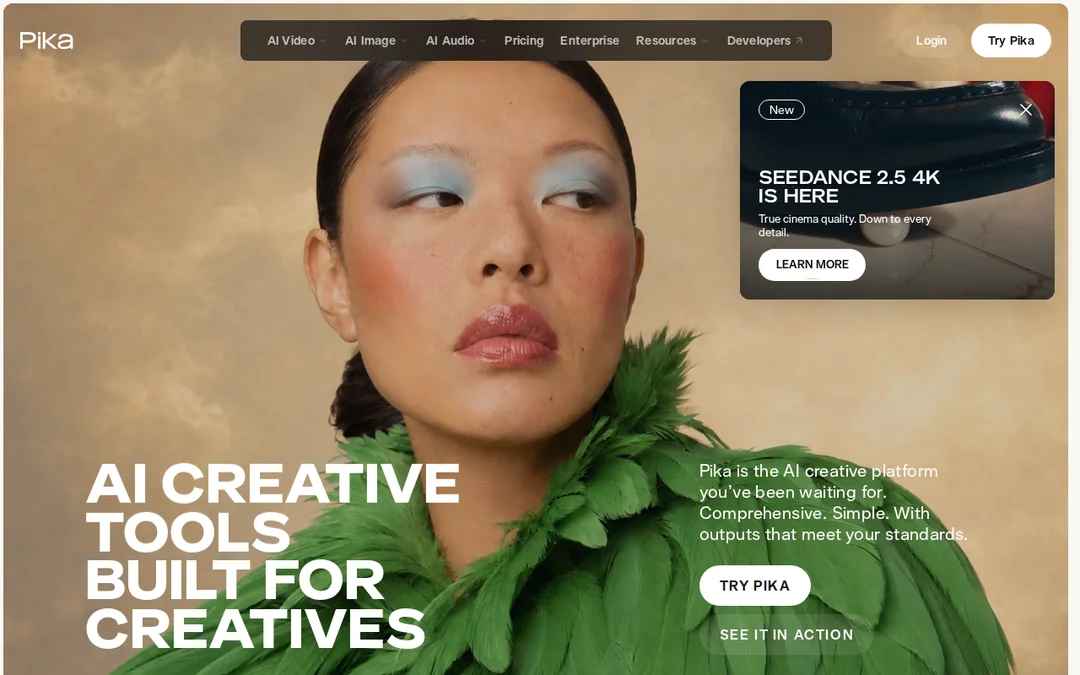
Features
- Video Studio
- Swap Anything
- Motion Transfer
- Extend Video
- Image Studio
- Music and sound studios
How it fits a music video
Pika is a sketchbook. Use it to rough out a shot from your treatment so the artist can see the idea before anyone books a location, or to remix footage you already have. Swap Anything changes an object in a clip, Motion Transfer moves one thing the way another moves, and Extend Video adds length to a shot that ends too soon.
Plans
The free plan has no monthly credits, so you buy credit packs, and it carries no commercial licence. Starter is $10 a month or $8 billed yearly with 600 credits, Creator is $35 or $28 with 2,600, and Fancy starts at $95. There is no watermark on any plan.
When to use something else
If you want finer control over a single insert and a choice of models, Runway. For a singer performing the song from one photo, Muzie. For the edit itself, DaVinci Resolve.
Frequently asked questions
Does Pika add a watermark?
Pika's pricing page says there is no watermark on any plan, including the free one. The free plan does not include a commercial licence.
Can I use Pika for a whole music video?
Pika makes shots and multi-shot clips, not a full song timeline, so plan to assemble the video in an editor.