Colour and light Craft Some effort100 min
Five music video lighting looks, with recipes
Five colour and lighting recipes for music videos: kit, light position, white balance, wardrobe and a DaVinci Resolve grade for each.
 Frame the Song Editors 4 min read
What kit do I need?
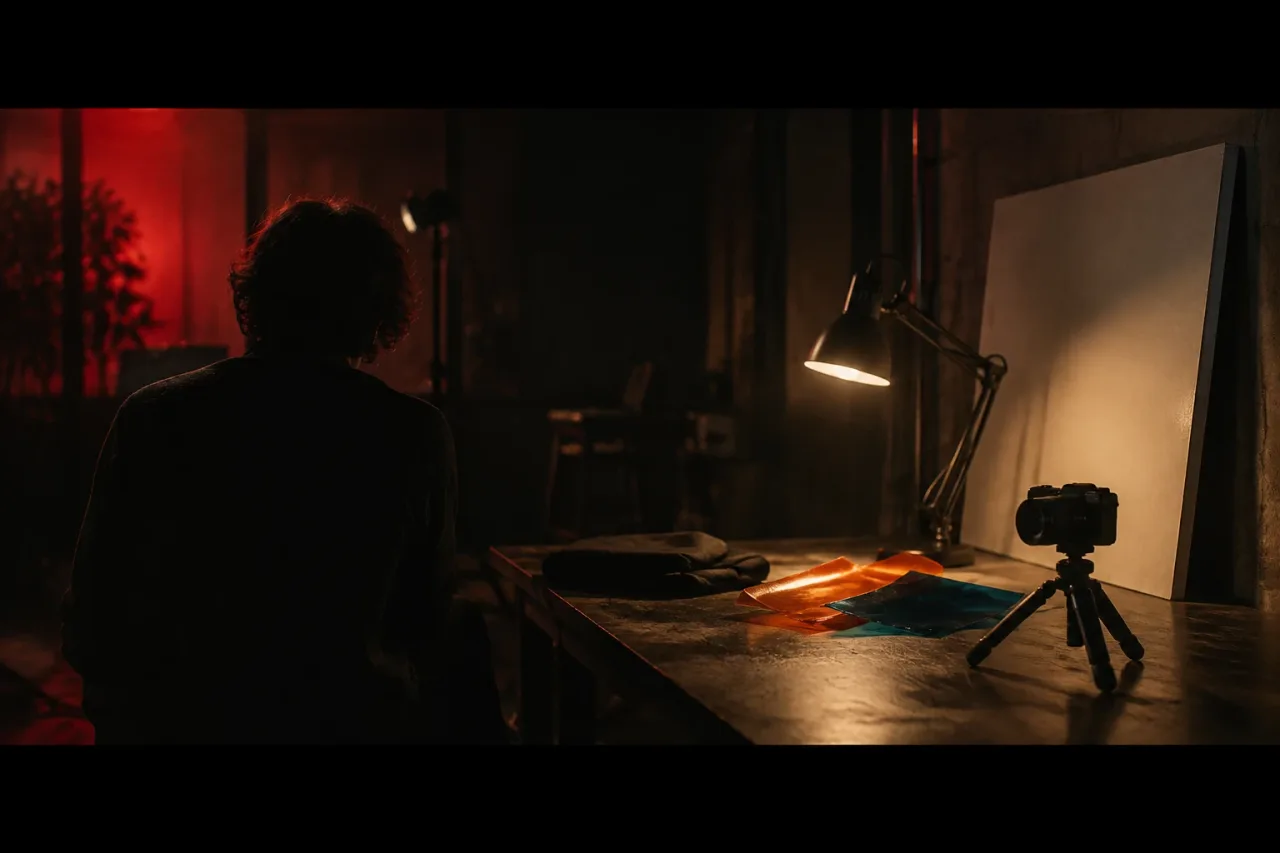
Borrow a camera on a tripod, a few lamps, a black sheet and a free copy of DaVinci Resolve. That covers all five looks.
- Three lamps with warm 3200K bulbs
- One red LED bulb and one LED lamp with a warm setting
- One sheet each of orange (CTO) and blue (CTB) gel
- A black sheet, about 2 by 2 metres
- A white foam board
Heat is the risk. Keep gel at least 30 cm from a hot bulb, never drape cloth over a lamp, and let bulbs cool for 5 minutes before you move them. Shoot only in places you have permission to use.
What order do I work in?
Work in the same four steps for every look, about 20 minutes each. Five looks take about 100 minutes.
- Place the lights and switch off every other lamp (8 minutes).
- Set white balance and exposure (3 minutes).
- Shoot three takes of 30 seconds at 25 fps (4 minutes).
- Grade a 10-second clip in Resolve (5 minutes).
Use the same section of the song and the same singer each time, so you are comparing looks and not performances. Play the track quietly on set so the mouth shapes match.
Tungsten night interior
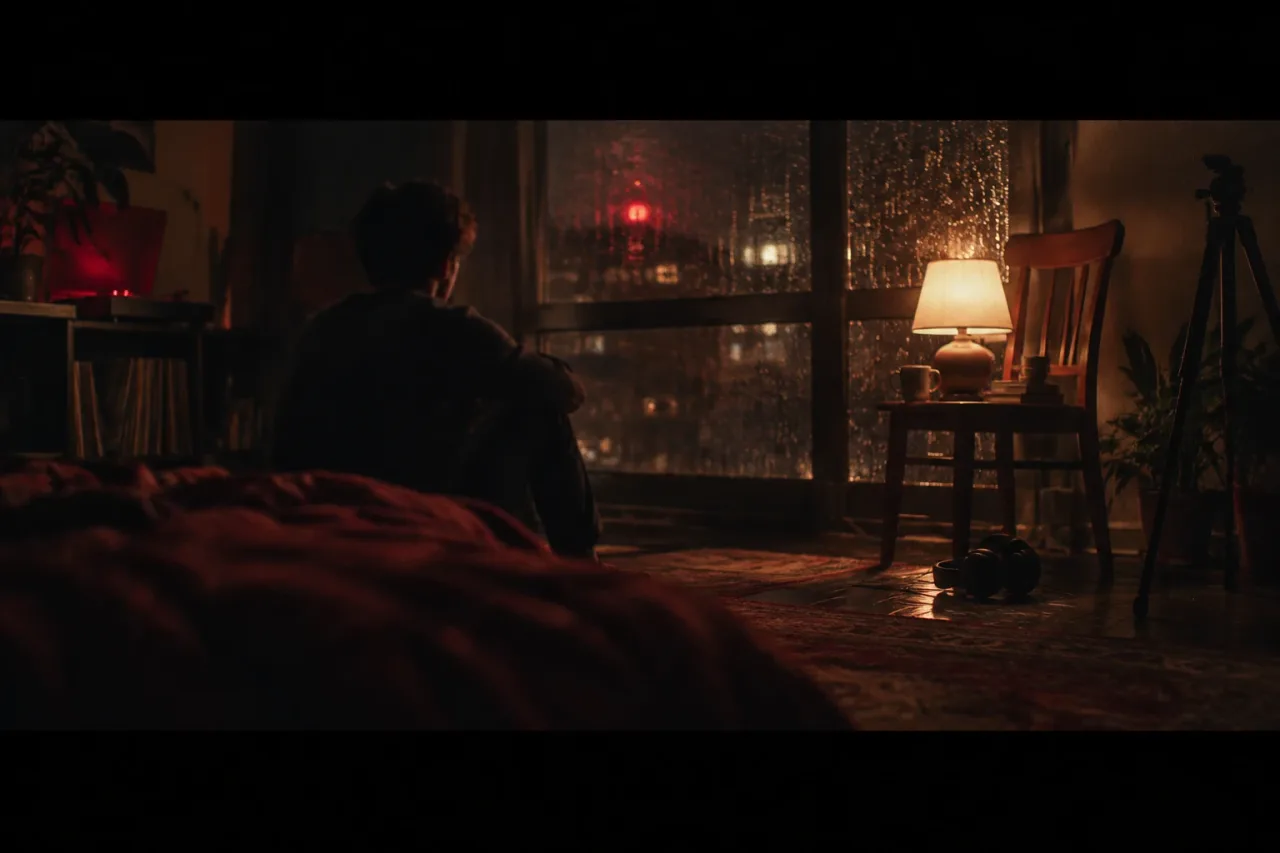
A tungsten night interior is warm lamps in the room and a cold blue window behind them. Put two practical lights in frame with 3200K bulbs, one low behind the singer and one at head height to camera left. Hang blue gel over the window, or shoot 20 minutes after sunset when the sky has gone blue. Set white balance to 3200K so the lamps read warm and the window reads blue. Dress the singer in cream, rust or mustard knit against an off-white or bottle green wall. In Resolve, lift the shadows slightly toward blue, push the gain a touch warm and pull exposure down until the lampshades hold detail.
Sodium car park orange
Sodium car park orange is one hard amber wash over everything, so skin and clothes drift toward the same colour. Film in a private car park at night with the owner’s written permission, away from moving vehicles. Stand the singer under one overhead lamp with the camera at chest height, 2 metres away. If there are no sodium lamps, put an LED lamp on a stand at its warmest setting, with orange gel, 1 metre above and ahead of them. Set white balance to 5600K to keep the orange strong. Dress them in black, navy or grey, since orange clothes vanish. In Resolve, pull saturation to about 70 percent, crush the blacks and nudge shadows toward teal.
Overcast bleached daylight
Overcast bleached daylight is soft, shadowless light, overexposed by half a stop to one stop and drained of colour. Film outdoors under a fully grey sky between 10am and 3pm, against a pale wall such as white render. Put the camera at eye level with a lens near 35mm equivalent. Set white balance to 5600K and watch that the sky does not clip. Dress the singer in white, pale grey or washed denim. Hold a white foam board 1 metre below the chin to lift the eye sockets. In Resolve, drop saturation to about 60 percent, raise the black point for a milky shadow and lower contrast. Hold wide shots for 6 to 8 seconds.
Single red practical in darkness
A single red practical in darkness is one red lamp, one performer and every other light off. Fit a red LED bulb in a lamp and place it 1 metre from the singer at waist height, to one side, so half the face falls into black. Hang the black sheet behind them and cover shiny surfaces. Set white balance to 3200K, shoot at 25 fps with a 1/50 shutter and raise ISO until the lit cheek reads. Dress them in black with one pale collar or sleeve to catch the red. Red clips fast, so check the waveform. In Resolve, pull red saturation down until skin shows detail and keep shadows at true black. Hold shots for 8 to 12 seconds.
Window light with negative fill
Window light with negative fill is one window on one side and a black sheet on the other, so the shadow side falls away. Seat the singer 1 metre from a large window, turned 45 degrees to it. Hang the black sheet 1 metre from them on the opposite side to stop the room bouncing light back. Choose a window out of direct sun, or wait for cloud. Set white balance to 5600K and expose for the lit cheek. Dress them in olive, denim or other mid-tones against a dark grey or deep blue wall. In Resolve, add an S-curve for contrast, then lower the highlights until the window frame holds detail.
What goes wrong, and how do I make it easier?
Mixed light causes most failures, so switch off overhead room lights and close curtains wherever the recipe does not call for them. Three mistakes come up again and again:
- Leaving white balance on auto, so colour shifts between takes
- Grading before the exposure is right
- Dressing the singer in the colour of the light
If your energy runs out, shoot only the one look closest to the mood of the song and skip the rest. Next time, write each recipe on a card with the kelvin number, light position, wardrobe and your grade settings. Reshooting from a card takes minutes, not an afternoon.
Frequently asked questions
What white balance should I use for a tungsten look?
Set it to 3200K. Warm bulbs then read as a neutral warm and any window or blue gel reads cold against them. Lock the setting so it cannot drift between takes.
Can I shoot these looks on a phone?
Yes, if your camera app lets you lock white balance and exposure. Set 25 fps, put the phone on a tripod and follow the same light positions. The red and sodium looks need the most light, so expect more noise in the dark.
Do I need DaVinci Resolve Studio for these grades?
No. DaVinci Resolve is free, and the free version handles most 8-bit formats up to 60 fps at Ultra HD. That is more than 25 fps footage needs.
Is it safe to film in a car park?
Only with the owner's permission, and only when no vehicles are moving. Keep the singer and the tripod out of driving lanes and away from open roads. If you cannot get permission, use the LED and orange gel version indoors.
Can I use two looks in one video?
Yes. Give each look a whole scene and change on a bar line, such as every 8 bars. Keep the singer's wardrobe consistent so the change reads as a different room and not a different person.