Technique Breakdowns Some effort120 min
Seven in-camera music video tricks that need no software
Seven tricks to try in two hours: reversed miming, half-speed lip sync, forced perspective, mirrors, spins, match cuts and beat lights.
 Frame the Song Editors 4 min read
What do you need before you start?
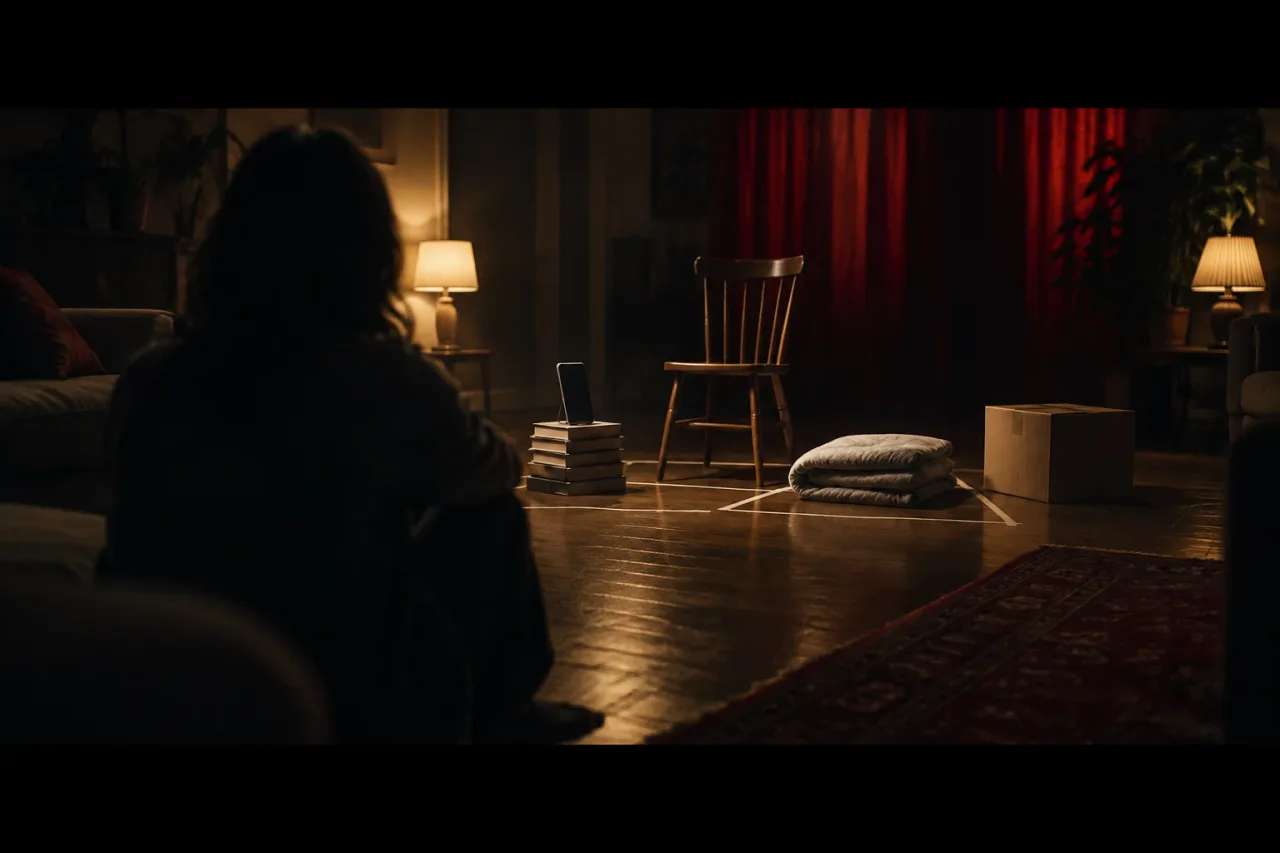
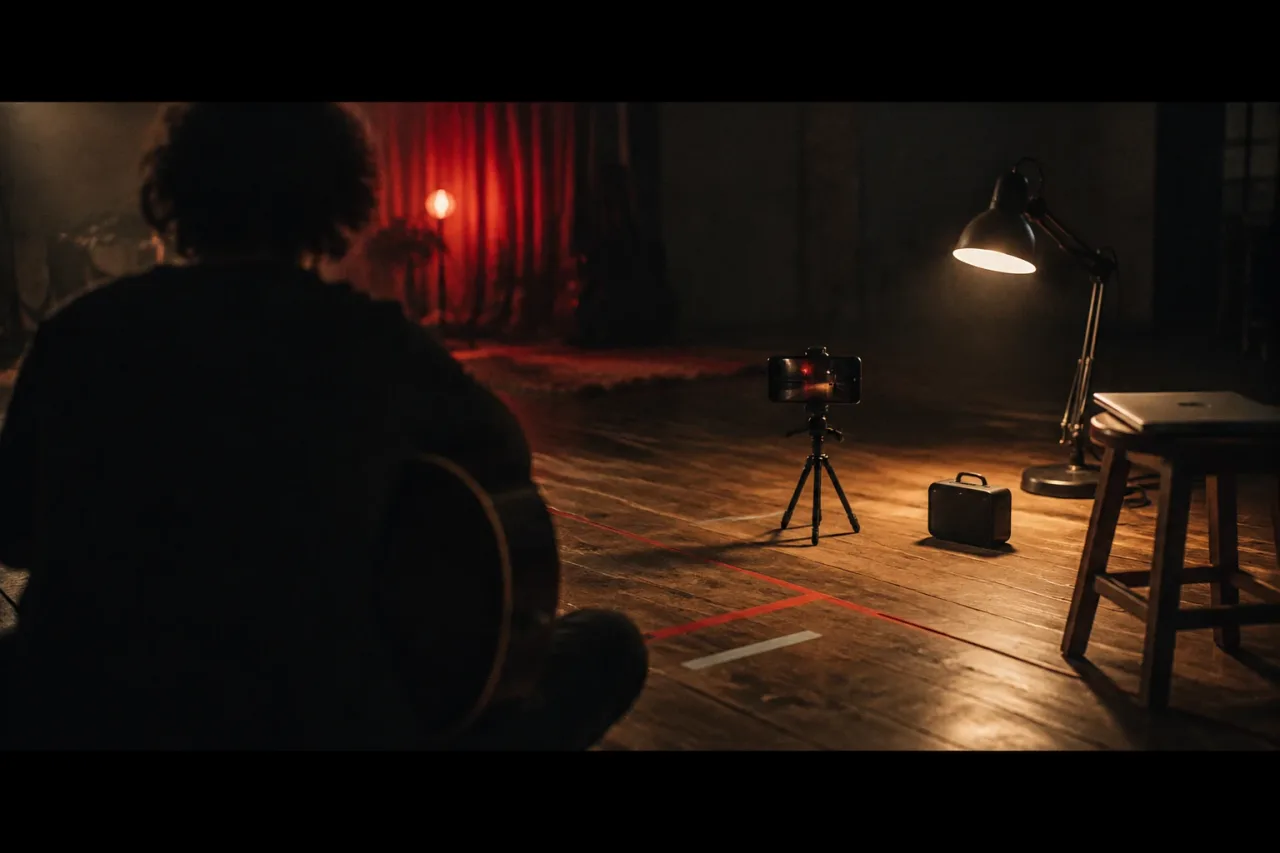
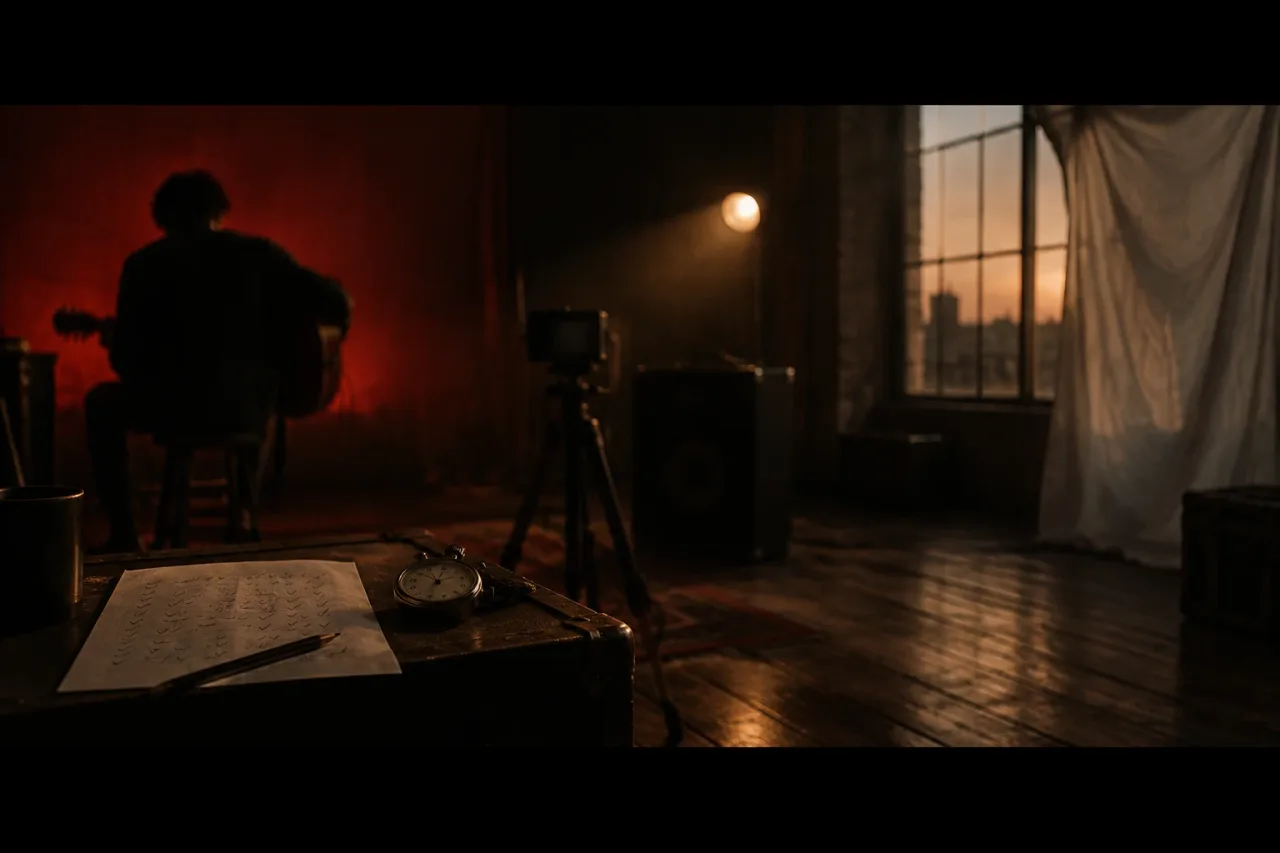
You need a phone, a tripod, one song with a known tempo and about two hours. That is seven tests of 15 minutes each, plus 15 minutes to set up. Shoot every test as a 20-second take. Use only places you have permission to film in and people who agree to be on camera. This is not legal advice.
- A phone on a tripod, or propped on books, set to 50 fps if it offers it
- A speaker for playback, so the artist hears the track while miming
- A hand mirror and a sheet of black card
- One lamp with a switch, and a window for 5600K daylight
- A lazy Susan or a swivel chair
- An editor. DaVinci Resolve is free, and the free version handles most 8-bit formats up to 60 fps
How do you mime a song backwards?
Reverse the audio, learn to mime it, then reverse the footage, and the song plays forwards while the room runs backwards. Coldplay’s The Scientist is widely known for a reversed performance. Your version only needs to be 20 seconds long.
- Cut 20 seconds of your chorus and reverse it in your editor.
- Play it on the speaker and learn it phrase by phrase. Give this 5 minutes, because reversed vowels feel strange in the mouth.
- Frame a medium close-up at 25 fps, locked on the tripod.
- Film three takes. On one of them, drop a handful of paper confetti, so it rises when reversed.
- Reverse the best take and lay the original song under it. The lips now land on the words.
How do you fake slow motion and keep the lip sync?
Shoot at 50 fps while the artist mimes to a track at double speed, then play the clip on a 25 fps timeline. The movement runs at half speed and the lips match the normal song.
- Speed your chorus to 200% in your editor and export 20 seconds. It will sound high, which is fine.
- Set the phone to 50 fps and lock focus and exposure. Open the curtains for extra light.
- Mime the fast track with big movements: a hair flick, a scarf, an arm swing. A 2-second move lasts 4 seconds on screen.
- Put the clip on a 25 fps timeline and lay the original song under it.
If your phone offers 60 fps and not 50, use a 30 fps timeline instead.
How do forced perspective and mirrors work?
Both depend on where things stand, and each takes about 15 minutes to set up and shoot.
For forced perspective, stand the artist 0.5 m from the lens and a friend 5 m behind. Line the friend up with the artist’s open palm. Through the phone’s single lens the friend looks tiny. Use the main 1x lens and lock focus so nothing hunts.
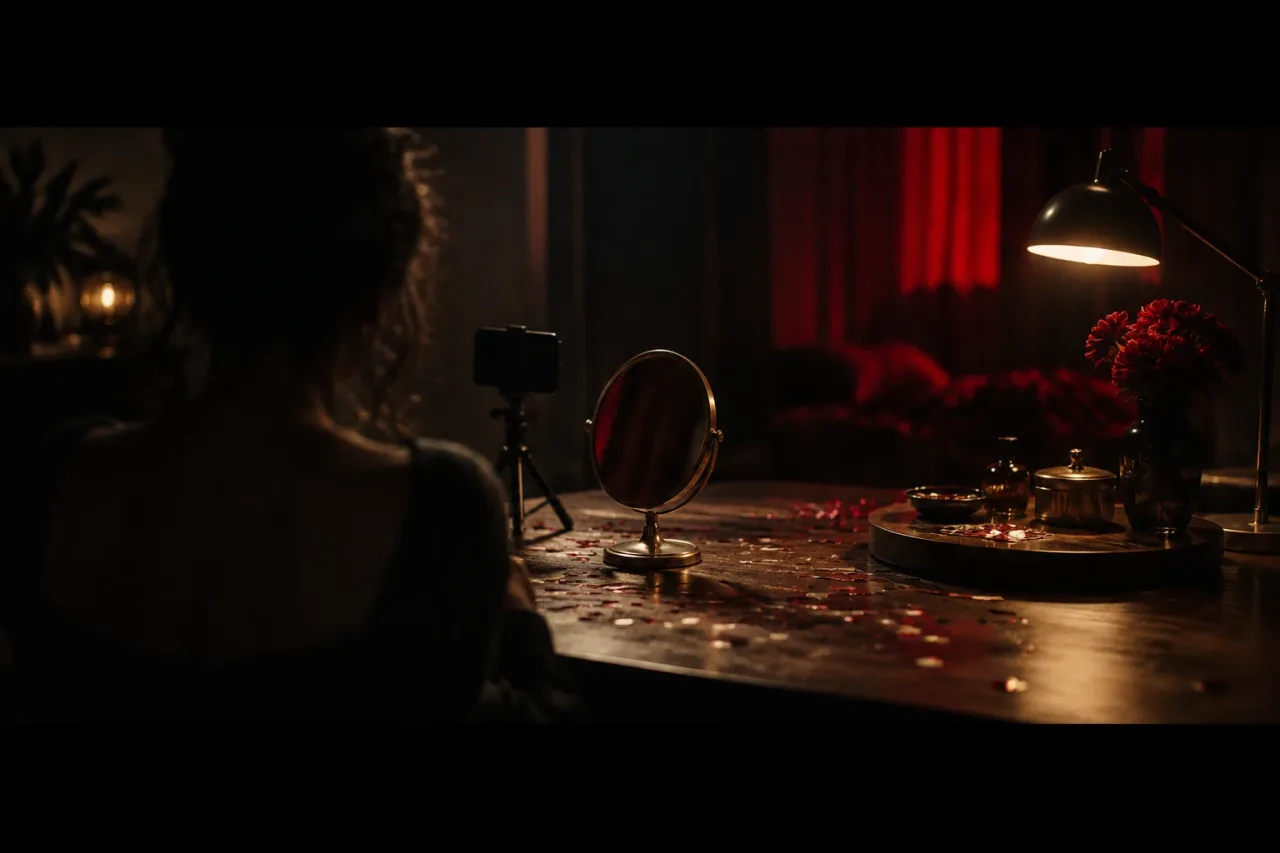
For a mirror, lean it at 45 degrees to the phone and film the reflection. Cut a hole for the lens in a sheet of black card and put it in front of the phone, so the phone does not show in the glass. Use a hand mirror, or one fixed to a wall. Never balance a large glass mirror where it can fall.
How do you spin a set or cut on a movement?
Turn the artist or the phone slowly, then cut on a matching movement between two places.
Sit the artist on a swivel chair and have a friend turn it one full turn over 8 seconds. At 120 bpm that is four bars. Keep the turn slow, with a hand ready at the chair back. For a spinning view, tape the phone to a lazy Susan on the floor and turn it by hand over the same 8 seconds. Test the tape before the take.
For the match cut, shoot a 2-second arm swing in two places, say against a bedroom wall and in a hallway. Keep the hand at the same spot in frame. Cut mid-swing, on the downbeat of a bar.
How do you change the light on the beat?
Have a friend work a lamp switch on the first beat of each bar. At 120 bpm a beat lasts 0.5 seconds and a bar lasts 2 seconds. At 90 bpm a bar lasts about 2.7 seconds.
Close the curtains and leave one 3200K tungsten lamp. Let a little 5600K window light spill in, so the lamp’s orange fights the cold blue. Count the song in, then tap on beat one for 4 bars. At 120 bpm that is 8 seconds in all. In the edit, nudge the clip a frame or two until the light lands on the kick drum. There is more on practical light in the glossary. Keep flashes slower than three a second, and warn everyone in the room before you start.
What goes wrong, and how do you make it easier next time?
Most failures come from a phone that moved, exposure that drifted, or a take nobody checked.
- Wobble: lock the tripod, focus and exposure before every take.
- Lips drift: line up the first word with the audio, then trim frames.
- Reverse looks fake: add something that falls, like confetti, so the eye reads it.
- Unchecked takes: watch each one on a bigger screen before you strike the set, because a phone preview hides drift.
If your energy fades after four tests, keep the reversed mime and the lamp flip. They need the least kit. Next time, write the tempo, the shooting fps and the timeline rate on a card, and fold one trick into a longer shoot such as a one-take video.
Frequently asked questions
Can you reverse a music video performance with a phone?
Yes. Reverse the song, mime to it, film it, then reverse the clip in an editor so the original song lines up with your lips. Twenty seconds is enough for a test.
What frame rate gives half speed for a music video?
Shoot at 50 fps and play the clip on a 25 fps timeline. If your phone offers 60 fps and not 50, use a 30 fps timeline. The artist mimes to the track at 200% speed so the lips match the normal song.
Do in-camera tricks need editing software?
Forced perspective, mirrors, spins and light changes need only an ordinary cut between shots. Reversed miming and half-speed lip sync need an editor to reverse or speed up the audio and to reverse or slow the clip. DaVinci Resolve is free.
How do you make a match cut on movement?
Film the same movement, such as a 2-second arm swing, in two places with the hand at the same spot in frame. Cut mid-swing, on the downbeat of a bar. The eye follows the movement and barely notices the change of place.