Technique Breakdowns Some effort100 min
How slow-motion singing shots stay in sync
Shoot at 50 fps, play the song at double speed and conform to 25 fps so slow-motion lips still match the vocal. Steps, light and fixes.
 Frame the Song Editors 4 min read
How does double-speed playback keep lips in sync?
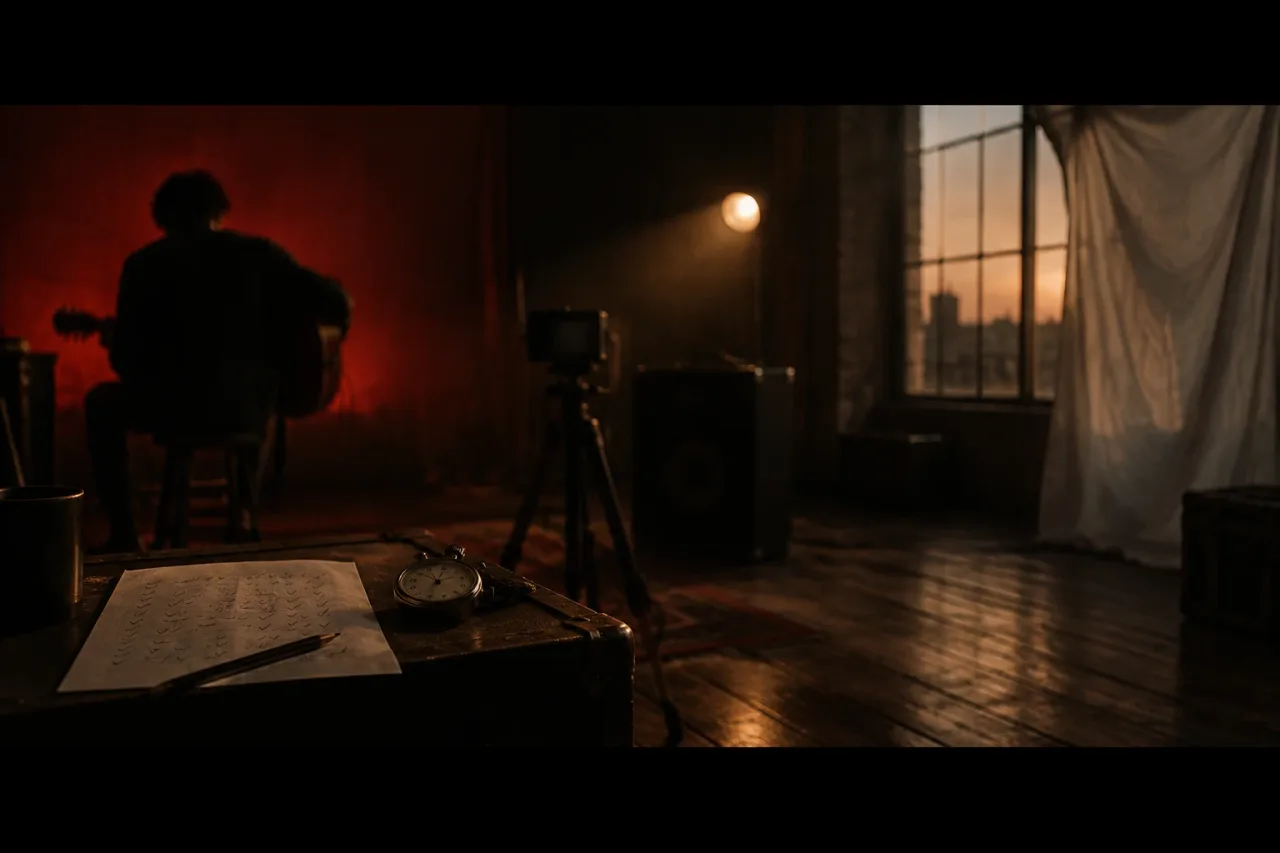
The singer mimes to the song at double speed, the camera records at double the frame rate, and you play the footage back at the normal rate. Shoot at 50 fps, play the track at 200%, then conform the clips to 25 fps. Every move now takes twice as long on screen, so it reads as half speed. Put the original vocal underneath in the edit. The mouth shaped each word in half the time, and playback stretches it back to the real length, so the lips land on the words. This is the usual way to get slow motion into a performance video. Real high frame rate footage keeps hair, fabric and breath in cold air clean, where slowed normal footage smears.
What do you need before you start?
You need a camera that records 50 fps, a speaker and about 100 minutes. That splits into 10 for the track, 10 for camera setup, 20 for rehearsal, 40 for the shoot and 20 for a first assembly.
- A camera or phone with a 50 fps option (48 fps if your timeline is 24)
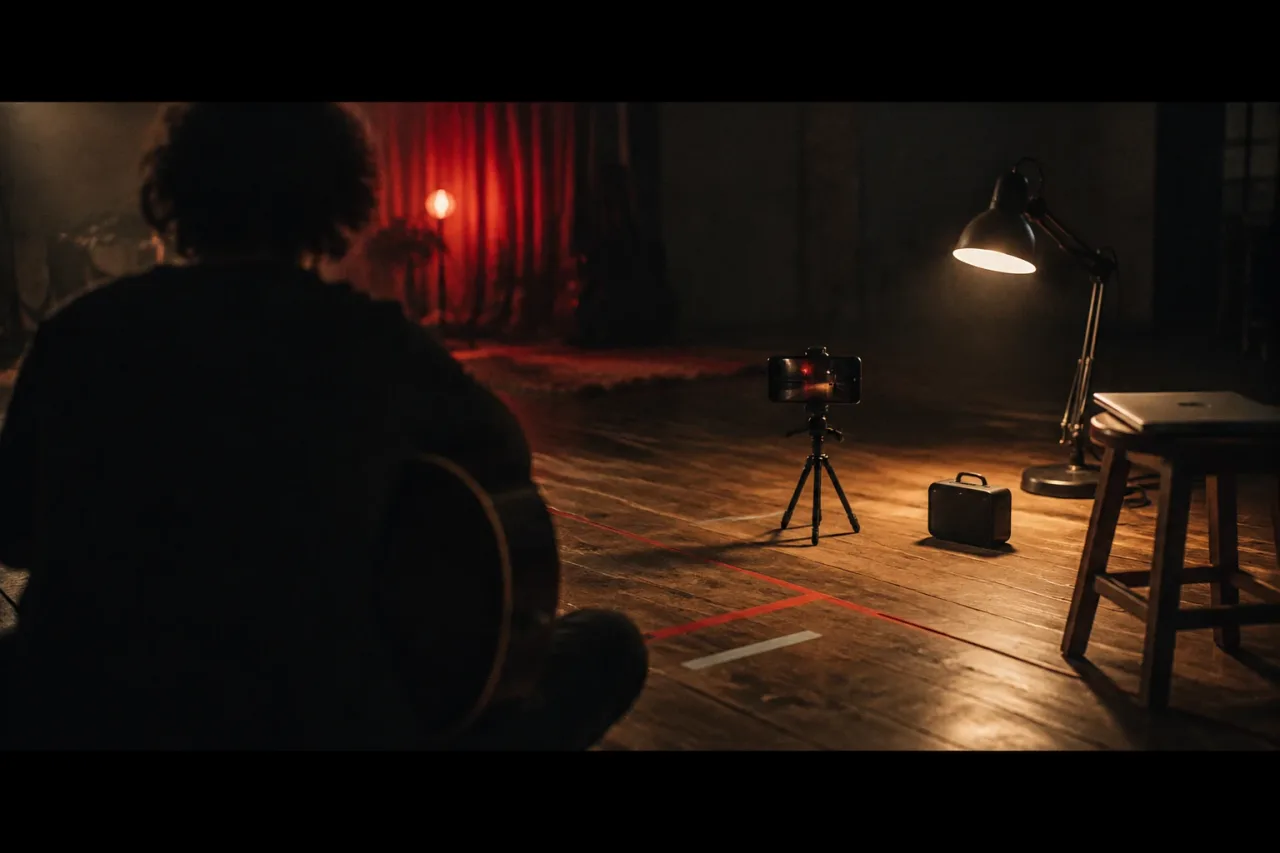
- A tripod, or something solid to lean the phone on
- A speaker loud enough to hear over a mime, placed out of shot for playback
- Steady light, ideally a window at 5600K
- A song you own or have permission to use, and a space you have permission to film in
Edit in DaVinci Resolve. The free version handles most 8-bit formats up to 60 fps, so 50 fps clips are fine.
What are the steps, in order?
Work in this order and expect about 100 minutes in total.
- Make the track (10 minutes). Set the song to 200% in your editor, keep the pitch if there is an option, and export a WAV. Cut it into sections of 20 to 30 seconds, which is 40 to 60 seconds of song.
- Set the camera (10 minutes). 50 fps, 1080p, shutter 1/100, exposure and white balance locked.
- Rehearse (20 minutes). Mime each section to the fast track, five passes each.
- Shoot (40 minutes). Play the track, clap once before each take, and record three takes per section.
- Conform and cut (20 minutes). In Resolve, change each clip’s frame rate to 25 in Clip Attributes on a 25 fps timeline. Lay the original song under the clips and slide each one until the words line up. The camera’s own slowed audio is your guide.
How do you light for 50 fps without flicker?
Use daylight or a continuous light on a steady supply, and set the shutter to 1/100. UK mains runs at 50 Hz, so lights on mains pulse 100 times a second. A 1/100 shutter at 50 fps matches that pulse, and dark bands stay out of the frame. At 100 fps use 1/200. Cheap LED bulbs and fluorescent tubes are the usual culprits, so switch them off and use a window at 5600K. A tungsten lamp at 3200K suits a warm room and tends to flicker less. High frame rates also gather less light per frame, because each one gets half the exposure time of 25 fps footage. Put the singer a metre or two from the window and hang a white sheet on the dark side as a bounce.
What goes wrong with breath and consonants?
Breath and hard consonants give the game away first. At double speed the singer has half the time to breathe, so they gasp, skip a breath or run out of air, and the chest looks wrong once it is slowed. Mark every breath on the lyric sheet, take them in the gaps between lines and keep sections short. Consonants are the second problem. Lips closing on p, b and m are quick at double speed, and at half speed they can look overdone. Mime the shapes a little smaller than feels natural. Mumbled words look soft on screen, so mouth every word clearly, even if you make no sound. Rehearse with the fast track until the mouth shapes feel automatic.
Can you use 100 fps, or a phone that only does 60?
Yes, and the sum is always the same: the track speed equals the shooting rate divided by the timeline rate.
- 100 fps on a 25 fps timeline: play the track at 400% for quarter speed. Nobody can mime a full lyric that fast, so use it for one line or a held note of 10 to 15 seconds. Set the shutter to 1/200.
- 48 fps on a 24 fps timeline: play the track at 200%.
- 60 fps on a 30 fps timeline: play the track at 200% and keep the whole edit at 30 fps. Mixing it into a 25 fps timeline adds a second conform to keep track of.
Pick one rate before you shoot and write it on a note beside the camera.
How do you make it easier next time?
Slow down only the choruses and cut the verses at normal speed. That halves the rehearsal and gives the edit a clear change of gear. If energy runs out, stop after one chorus and shoot the rest standard. Most failed shoots come from the same four mistakes:
- Speeding up the video in the edit instead of the track on set
- Leaving exposure on auto, so brightness drifts between takes
- Skipping the clap, which leaves nothing to sync to
- Exporting an unnamed audio file, then playing the wrong speed
Name the export something like song_200pct, and keep a note of the camera settings with the project. The second shoot then takes half the setup time.
Frequently asked questions
Why does my slow-motion singing look out of sync?
The singer probably mimed at normal speed and the footage was slowed in the edit. The lips then match the slowed audio but not the original vocal at normal speed. Mime to a double-speed track and conform the footage to the timeline rate.
What frame rate do I need for slow-motion lip sync?
Shoot at 50 fps for a 25 fps timeline, or 48 fps for a 24 fps timeline, with the track at 200%. For quarter speed, shoot at 100 fps with the track at 400%. The track speed is the shooting rate divided by the timeline rate.
Do I need a high-end camera for this?
You need a camera or phone that offers 50 fps, 48 fps or another rate you can divide cleanly. Check the video settings before you book a day. A tripod and steady light matter more than the body.
Should the sped-up track keep its pitch?
Keep the pitch if your editor offers it, so the singer can follow the notes at double speed. The sped-up audio is only a guide on set. The original vocal goes under the final picture.