Technique Breakdowns Some effort180 min
Loops, layers and split screens: how repetition videos work
How repetition videos work: one locked frame, several passes, masks and split screens, plus a tripod plan for shooting and cutting it in DaVinci Resolve.
 Frame the Song Editors 5 min read
How does a repetition video work?
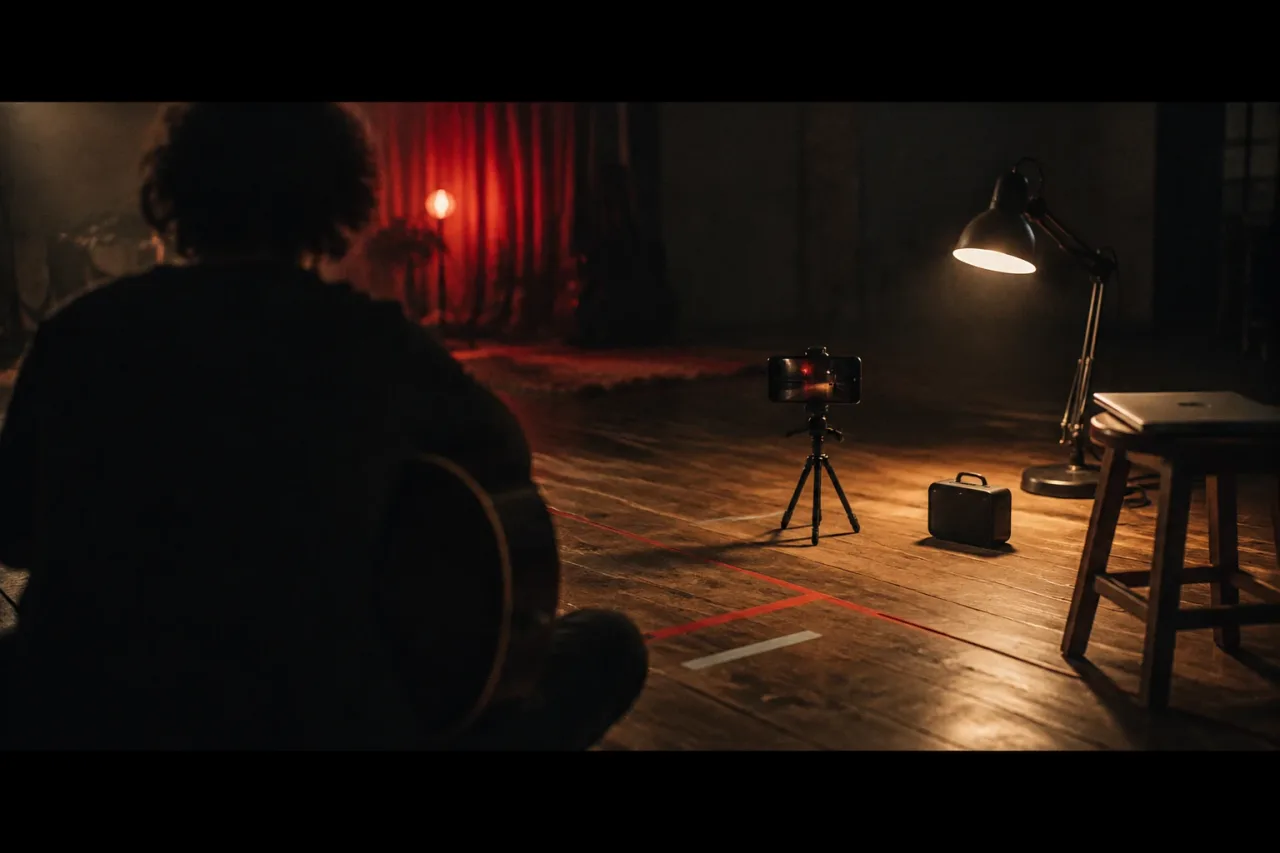
A repetition video repeats one frame, one phrase or one move, and the edit stacks the repeats into a picture the camera never saw in a single go. There are three builds. The first is layering. You lock the camera, film the same frame five times with the performer standing somewhere different each time, then mask the passes together so five copies of one person share a room. The second is the split screen, where the frame is divided into panels and each panel holds a pass. The third is the loop, where a short move repeats on the bars of a repeating musical phrase. All three depend on a camera that never moves and on takes of identical length. The tripod keeps the layers lined up. The song sets the length, so every pass runs the same number of bars.
What do you need before you start?
You need a tripod, a camera that can lock focus and exposure, and a song with an eight-bar phrase that repeats. A phone is enough. Gather this:
- A tripod, with the feet taped down so a knock cannot shift it
- A phone or camera set to 1080p at 25 fps
- One steady light, either a 5600K daylight-balanced bulb or a 3200K tungsten lamp, with the window blacked out
- A speaker for playback
- Floor tape for five marks
- A laptop with DaVinci Resolve
Pick a room with one light source and a plain wall. Daylight changes between passes, so a lamp is the safer choice. Film only in places you own or have permission to use, and only with people who have agreed to appear on camera.
How do you shoot the passes?
Shoot in a fixed order and give the whole shoot 90 minutes.
- Choose the phrase and count the bars. At 120 bpm a bar lasts 2 seconds, so eight bars run 16 seconds.
- Frame a 16:9 wide shot at chest height, lock focus and exposure, and tape the tripod feet to the floor. Allow 15 minutes with the light.
- Film a clean plate, 30 seconds of the empty room.
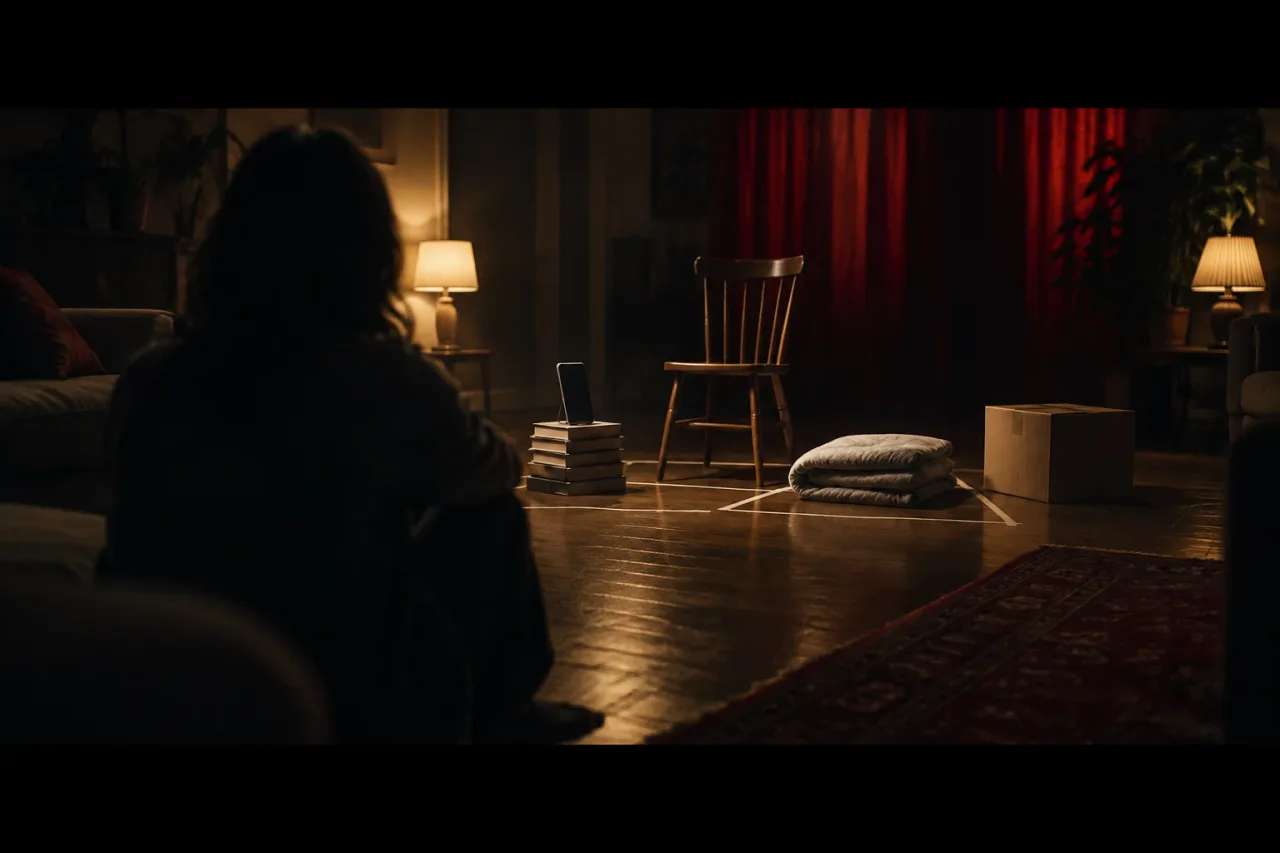
- Tape five marks on the floor, one for each pass.
- Start playback, clap on the downbeat of bar one, then perform all 16 seconds on mark one. Film three takes.
- Repeat on marks two to five. Give each pass 10 minutes, 50 in all.
- Keep the last 20 minutes spare for any pass that went wrong.
Leave the room exactly as it is between passes, including the door and the curtains.
How do you layer the passes in DaVinci Resolve?
Put the best take of each pass on its own video track, line the claps up, and cut a soft-edged shape out of every layer above the bottom one. DaVinci Resolve is free, and the free version handles most 8-bit formats up to 60 fps at Ultra HD, so 25 fps 1080p footage sits well inside it. Allow 90 minutes.
- Place the clean plate on track one and pass one on track two.
- Add passes two to five above, sync each on the clap and trim to 16 seconds.
- Draw a shape round the performer on each upper track and feather the edge by 10 to 30 pixels.
- Where two figures overlap, put the one standing nearer the lens on the higher track.
- Grade all tracks together so the skin tones match.
Magic mask is a Resolve Studio feature. On a locked-off frame a hand-drawn shape does the same job.
How do split screens and loops differ from layering?
A split screen gives each pass its own panel, and a loop repeats a short move until the song changes. For a split, divide a 1920 x 1080 frame into four panels of 960 x 540. Scale and crop each pass to fit, and bring the panels in on bar lines: panel one on bar one, panel two on bar three, and so on. The edit gets denser as the song does.
For a loop, pick two bars. At 120 bpm that is 4 seconds. Film one small move, such as a head turn or a hand dropping a cup on a table, and repeat the clip across the phrase. Change one thing each time round, like the lamp colour or the jumper. If you want a take that never cuts, read the one-take guide.
What goes wrong, and how do you fix it?
Most failures come from something moving between passes, so check the frame after every pass. Watch for these:
- Light drift. A cloud or a dimming lamp shows as a flicker where layers meet. Reshoot the odd pass.
- Shadows. A figure’s shadow can fall on the floor where another stands. Space the marks apart or include the shadow inside the mask.
- A moved tripod. Nudge a small shift in the edit. Reshoot anything larger.
- Auto exposure. A dark jacket can make the camera brighten the room mid-take. Lock exposure before the first pass.
- Tired performance. By pass four energy sags. Film the loudest passes first and take a five-minute break after pass three.
If you run out of time, cut to three layers. Three clear figures beat five rushed ones.
How can you make it easier next time?
Start smaller and keep a template. Your first attempt can use two layers and a four-bar phrase, which is 8 seconds at 120 bpm. Once the edit works, save the Resolve project with its tracks and masks and reuse it. Take a photo of the framing and the taped marks, so you can rebuild the set after a break. Write the bpm, the bar count and the clap position on a sheet taped to the tripod. A short shot list with one line per pass, giving the mark, the action and the length in seconds, stops you filming a pass twice. Shoot the clean plate first, every time. It is the one frame you cannot recreate once the room changes.
Frequently asked questions
How many layers should a repetition music video have?
Three to five figures read clearly in a 16:9 frame. Past six the frame fills up and the eye stops finding the performer. Start with two or three if it is your first attempt.
Do I need a green screen for layered passes?
No. A locked-off camera and a clean plate of the empty room are enough. You cut a soft-edged shape round each performer in the edit.
Can I shoot a layered video on a phone?
Yes, if it lets you lock focus and exposure and you can fix it on a tripod. Set 1080p at 25 fps and keep the same settings for every pass.
How do I work out how long eight bars last?
Divide 60 by the tempo, multiply by 4 beats for one bar, then by 8 bars. At 120 bpm that is 16 seconds. At 100 bpm it is 19.2 seconds.
How long does the whole project take?
Plan 90 minutes to shoot and 90 minutes to edit, so 180 minutes in total. A first attempt with two layers will run shorter.